📷 Dual 360° Camera Clamp Mount with Articulating Arm
📷 Dual 360° Camera Clamp Mount with Articulating Arm
Couldn't load pickup availability
Store-Backed Purchase Support
Shopping Protection & Fast Shipping.
Store policies and direct order support from keepfbshop.
Selected Product Option
Upgraded Version
Available to orderSecure Shopify Checkout
Payments processed through Shopify checkout.
Protected checkout connectionSupport follows our published store policies. Optional shipping protection is shown separately.
-
Ordered
- - -
Order Ready
- - -
Delivered

Shipping Protection
Shopping Protection & Fast Shipping. Optional — remove anytime before checkout.

📷 Dual 360° Camera Clamp Mount with Articulating Arm
Dual ball-head camera clamp
Give your shot
a better angle.
Mount your phone or camera to a solid desk edge, rail, or tripod leg. Swivel both ball heads to frame the shot, then tighten the arm to hold it there.

🔩60 mm opening
🎥Dual 360° heads
📱Phone clip included
Desk-edge filming
Free up your work surface.
Clamp the mount to the edge and aim your phone at the project in front of you. Keep both hands free for drawing, demos, or product shots.

Flexible framing
Get closer to the action.
Swivel at either end of the short arm to move from a straight-on view to a lower or downward angle.

Try a tripod leg. Set a second camera low for a side view while your main camera stays in place.
Mounting fit
Measure your mounting point.

Setup
Clamp. Aim. Lock.

Clamp. Seat both pads on a sturdy edge or round support and tighten the jaw knob.
Aim. Attach your device with its matching mount. Support it as you loosen the center lever and adjust the angle.
Lock. Tighten the center lever, then check both the device and clamp before letting go.
Upgraded Version
What comes with the mount.

Super clamp with detachable dual ball-head arm
Mini spring phone holder
Action-camera mount adapter with thumbscrew
Hex wrench and two O-rings
Check your setup.
Will it fit my desk or rail?
Measure the thickness of your desk edge or the diameter of your rail. The jaws open up to 60 mm. Choose a rigid point where both pads can make firm contact.
How do I attach my device?
Use the spring holder for a fitting phone and the included adapter for an action camera with a matching mount. A camera with a compatible 1/4-inch socket can attach to the threaded head.
Can I adjust the angle after clamping it?
Yes. Support the device, loosen the center lever to adjust the ball heads, then retighten it once the frame is set.
Which gear do I supply?
Bring your own phone or camera and a suitable desk edge, rail, or tripod leg. The kit supplies the clamp, arm, and listed adapters.

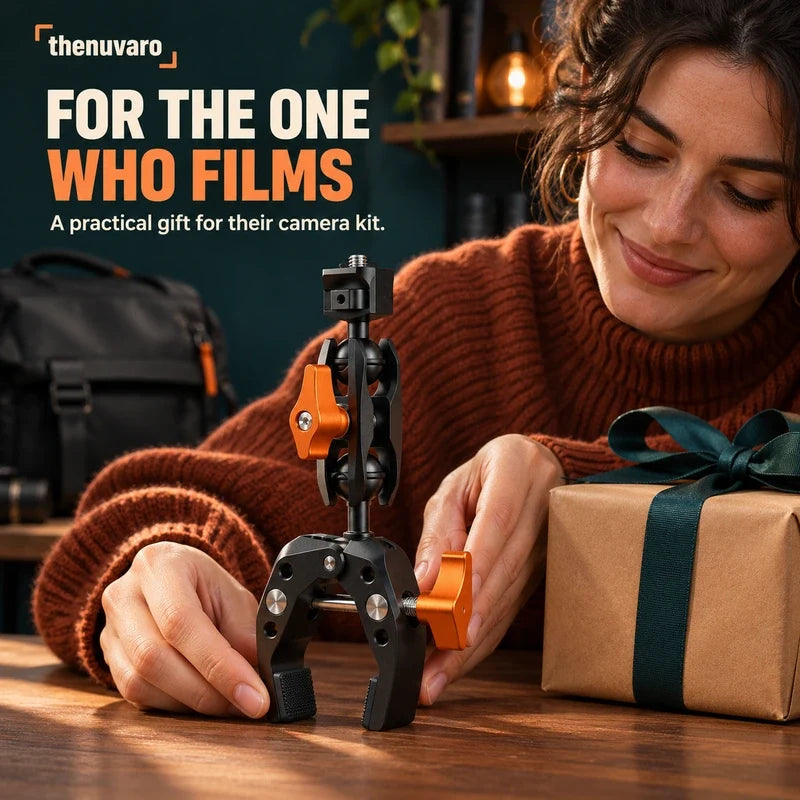
A gift they can put to work.
For the friend who films tutorials, gear reviews, or their next project from a new angle.